Create Tier Lists | Free, No Account, Drag & Drop Tiermaker
Start ranking right away with this Tier List Maker below

Written by Adam Levign
Adam is a content creator and tier list expert with over five years in the gaming industry, writing rankings across sports, food, and pop culture for Tier List Maker.
Expertise: Gaming · Streaming · Ranking · Tier Lists
Built and maintained by Umair Sharif, a full-stack developer who also builds mobile and web platforms — see more of his work at umairsharif.me.












Trending right now
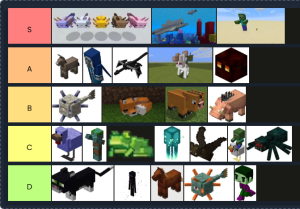
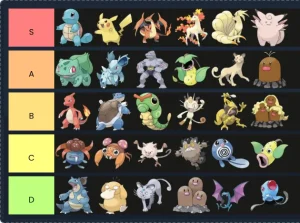
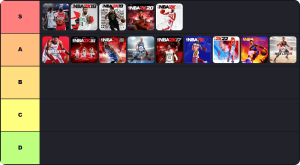



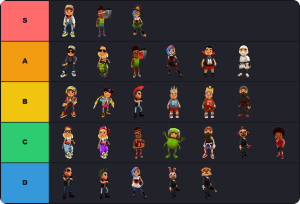

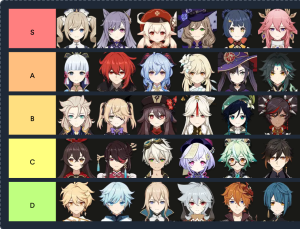
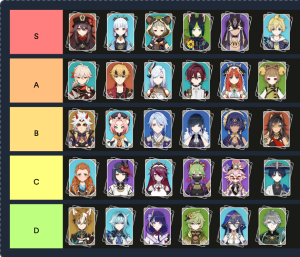
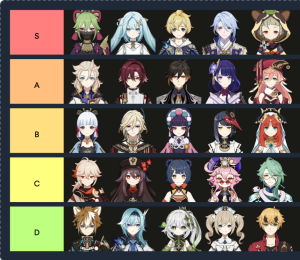
![Genshin Impact Characters Tier List [Post 2.2] – Tier List Maker](https://tier-list-maker.com/wp-content/uploads/2025/01/tier-list-maker.com-20-0-2025-59-e1737384462630-300x260.png "Genshin Impact Characters Tier List [Post 2.2] - Tier List Maker 34")
Cartoons tier list templates



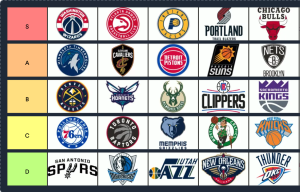
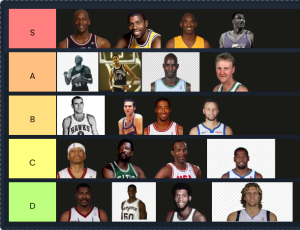
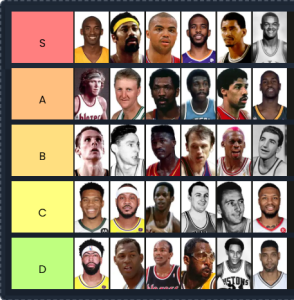

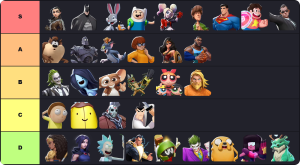
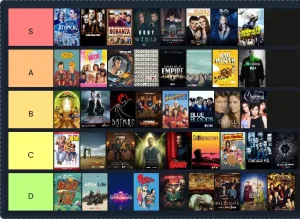
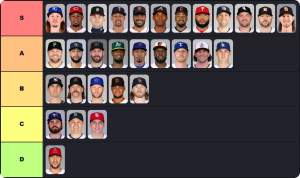
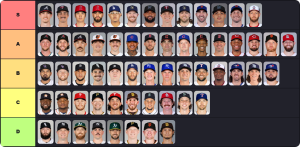
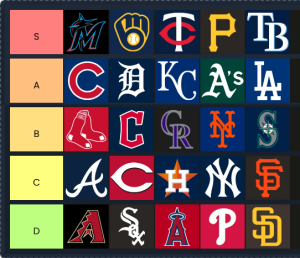
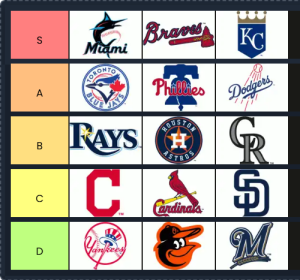

Built for lists that don’t fit on one image
Most tier list topics are small: a dozen fast food chains, eight movies, done in five minutes. The topics people actually argue about aren’t. Here’s how the tier list format holds up once a roster gets big.
Big roster? Skip the uploads
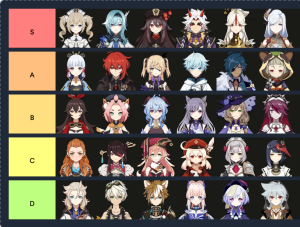
Genshin Impact alone has over 100 characters. Uploading each one by hand is how most tier lists die before they get made. Copy the template prompt on the site, paste it into any AI tool along with your topic, and drop the code it returns back into the maker. The template builds itself, images and all, in a couple of minutes. Worth a quick check afterward, the AI generates the list and can miss an item here or there.
Draw on anything before you rank it
The Create button opens a built-in editor: pen, shapes, eraser, a text tool with bold and italic, undo and redo. Use it to mark up an item, build one from scratch when a template misses something, or rank things that don’t have an image at all. It’s also where the inside jokes live, the hand-drawn crown that only five people will understand.
Finish it, then let people argue
Download the result as a clean image, no watermark. Or generate a share link that comes with its own download button, social share buttons, emoji reactions, and a comment box, so the argument stays attached to the evidence. Paste the embed code into a blog post and the list shows up as something readers can actually click through, not a screenshot. Full-screen mode is there for presenting it live, on a call, a stream, or just a small screen, which is most of what tier list videos on YouTube need on camera.
See something outdated? Flag it
Rosters change. A template that was complete in March can be missing someone by June. Every template has a report option for a missing image, a wrong image, or content that’s gone stale. Report it, or just build the missing item yourself with the Create button while you rank, and let everyone after you get the fixed version.
Actually free, actually no account
“Free, no signup” is on every tier list site, and the fine print varies. Some let you build without an account but ask for one to edit later. Some are free until you want the watermark gone. Here’s the specific, checkable version for this site, no accounts exist here, so none of the following ever need one.
No premium tier holding features back, no login wall on your second visit, no watermark toggle, because there’s no watermark. Specifics are the only version of “free” worth trusting.
Why Tier List Maker is built for creators
Best tier list maker with No account, no paywall, no clunky setup. Just a fast, fully customizable tier list maker that’s free the whole way through.
Most modern
A clean, responsive interface with a real drag-and-drop board, not a clunky form pretending to be one. It works the same whether you’re on a laptop or a phone.
- › Smooth drag-and-drop board
- › Works on desktop, tablet, and mobile
- › Built-in design editor, not just a rearranger
Fastest to start
It runs straight in your browser. No install, no download, no account setup screen standing between you and dragging your first item into a tier.
- › Nothing to install or download
- › Board loads and updates instantly
- › No account setup slowing you down
Most features
A full design editor, AI-assisted template generation, and a share page built for actual engagement, not just a download button.
- › AI-assisted template generation
- › Full tier and color customization
- › Comments, reactions, and embeds on every share link
Easiest to use
No tutorial needed. Drag an item into a tier and you’ve already figured out the whole interface. That’s the entire learning curve.
- › No signup required
- › One-click download and share
- › Plain drag-and-drop, no menus to dig through
Completely free
Every feature on this page works without paying for anything. No credit card at signup, because there’s no signup, and no feature locked behind a plan.
- › Free forever, no premium tier
- › No credit card, anywhere on the site
- › Downloads with no watermark
Made to be shared
A tier list here isn’t a dead-end image. It’s a link people can react to, comment on, and drop straight into a blog post or video description.
- › Emoji reactions and comments
- › Embed code for blogs and sites
- › One-click share to social platforms
Make a tier list in 30 seconds with tier list creator
No signup, no credit card. Just open the page and start ranking.
Open the tier list maker
It’s already loaded on the homepage. Click Create if you want the design editor, or just start dragging right away. No account needed.
Add and rank your items
Drag items into tiers, upload your own images or text, and draw or write on any item with the built-in editor. Rename or recolor tiers however you like.
Share it and watch it spread
Get a shareable link instantly, post it anywhere, and watch the comments and reactions come in. Or just download the image and skip sharing entirely.
Tier List Maker vs TierMaker
Minimum ads, no account, ever. Here’s how the two actually compare.
Tier List Maker
This sitetier-list-maker.com
TierMaker
tiermaker.com
Comparison based on publicly available information as of August 2026. Features on either site can change.
The best free tier list maker online
A tier list (some people just write tierlist) ranks anything visually by sorting items into tiers, from S at the top down to D or F at the bottom. Build one with our drag-and-drop tool in seconds: no account and it works the same on a phone as it does on a laptop.
Rank anime characters, video games, movies, food, anything with more than two items worth arguing about, and get a link you can drop on YouTube, TikTok, Twitch, or Reddit the moment you’re done.
Questions people actually ask
Everything you need to know before you start ranking.
Rank anything. Share it instantly.
Drag your own images into S, A, B, C tiers, draw on them if you want, and get a link you can share the second you’re done. No account needed at any step.
Create my first tier list